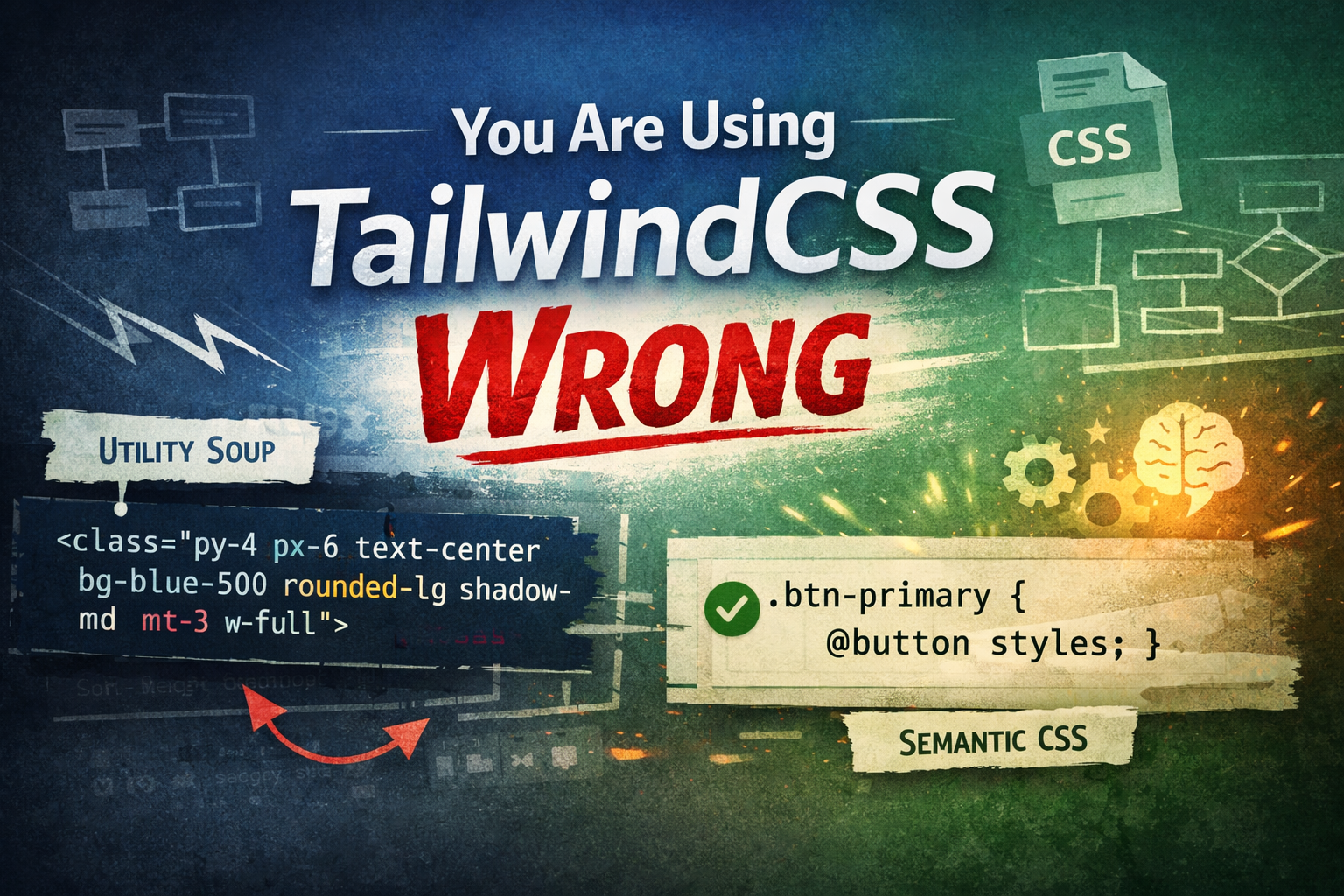
You Are Using TailwindCSS Wrong
When utility-first CSS helps, and when it becomes technical debt
September 16, 2025
I have mentioned before why I generally do not recommend using TailwindCSS as the primary styling approach in my projects, and I have explained that position in detail here. This time, however, I want to take a more pragmatic angle and talk about how TailwindCSS can be used correctly, without turning it into an anti-pattern.
Before diving in, let's go back in history.
A Short History of Styling on the Web
Once upon a time, there were happy dinosaurs… alright, that’s too far back. et’s return to the point where modern HTML and CSS became widely usable, roughly around the time HTML5 and CSS3 stabilized, the web started to scale very quickly. Around the same period, Twitter introduced Bootstrap, one of the first widely adopted component-based CSS libraries. Bootstrap was revolutionary for its time, it provided a consistent visual language, sensible defaults, and ready-made components that dramatically reduced the effort required to build interfaces.
However, Bootstrap came with trade-offs. It shipped with a very opinionated design system, which meant that many websites started to look the same. Of course, we can overwrite the styles and use themes, but the overflow was inevitable. Bootstrap shipped with a fixed HTML structure that you couldn't avoid, changing any element would break the whole style. You also had to memorize the whole structure or copy-paste it from the docs.
The Rise of Component Abstraction
With the rise of JS frameworks like React and Vue, they enhanced the developer experience (DX) significantly. Now we can achieve a better level of abstraction by encapsulating HTML markup and classes. You can use elements directly and configure them via props/attributes.
Instead of working directly with verbose markup like this:
<div class="modal" tabindex="-1">
  <div class="modal-dialog">
    <div class="modal-content">
      <div class="modal-header">
        <h5 class="modal-title">Modal title</h5>
        <button type="button" class="btn-close" data-bs-dismiss="modal" aria-label="Close"></button>
      </div>
      <div class="modal-body">
        <p>Modal body text goes here.</p>
      </div>
      <div class="modal-footer">
        <button type="button" class="btn btn-secondary" data-bs-dismiss="modal">Close</button>
        <button type="button" class="btn btn-primary">Save changes</button>
      </div>
    </div>
  </div>
</div>
bootstrap v5 model markup
We moved to a more expressive and maintainable abstraction:
<Modal
  open={open}
  onClose={handleClose}
  aria-labelledby="modal-modal-title"
  aria-describedby="modal-modal-description"
>
  <p>Modal body text goes here.</p>
</Modal>
MUI v7.x modal component usage
Here, the structural complexity is hidden inside the component. Consumers interact with a clear API instead of raw markup and fragile class structures.
The Real Problem Utility CSS Tried to Solve
Now imagine a common situation. You need to add a small padding to the inline start of an element, say 5px. You create a class like .padding-inline-start-5px. Later, you need 7px somewhere else, so you add .padding-inline-start-7px. Over time, this approach explodes into dozens or hundreds of micro-classes, including questionable ones like .padding-inline-start-7.8px.
At this point, TailwindCSS introduced a genuinely good idea, utility-first CSS. Instead of inventing arbitrary class names and values, Tailwind provides a constrained, consistent scale for spacing, colors, typography, and more. This system reduces decision fatigue and enforces visual consistency across a codebase.
That part is objectively strong.
So Why the Backlash Against TailwindCSS?
If TailwindCSS is so clever, why are many developers (including myself) often critical of it?
In my humble opinion, the issue is not the utility-classes concept itself, but how Tailwind is commonly introduced and adopted. It was presented as a framework with another level of abstraction, shipped only with the CSS part, without any HTML or JavaScript included, and you have the complete freedom to use it however you like.
That freedom, combined with its rapid popularity, caused confusion, especially among beginners. Many people started learning TailwindCSS before truly understanding CSS itself. Concepts like stacking contexts, margin collapsing, or layout flow issues remain mysterious if you never learned the underlying language.
To be fair, this is not unique to TailwindCSS. The same pattern exists with developers using React/Vue without a solid understanding of JavaScript. Still, Tailwind unintentionally amplifies this problem by making it possible to build UIs without ever writing or deeply understanding CSS.
How I Would Personally Use TailwindCSS
For me, TailwindCSS is not a styling philosophy, it is a utility library. I treat it the same way I treat Lodash in JavaScript, a collection of helpful tools that make common tasks easier, not a replacement for the language itself.
This is also why I appreciate projects like UnoCSS, which lean heavily into this idea and push it further in a more flexible direction, without trying to be a full standalone framework.
If I choose to use TailwindCSS, my approach is very strict:
- Core components are written using plain CSS with semantic class names
- Tailwind's CSS variables are used for design tokens (spacing, colors, typography)
- Layout, animation, hover states, and complex interactions live in CSS classes, not inline utility chains
- Utility classes are an exception for one-off adjustments, not the default
Examples
A Problematic Use of TailwindCSS
<div
  class="
    flex
    absolute
    text-center
    bg-white
    rounded-xl
    shadow-lg
    p-6
    w-80
  ">
  <h2>Hello Tailwind</h2>
</div>
This approach mixes layout, visual design, and semantics directly into the markup. Now imagine you need this card in 5 different places with slight variations. You'll be copying and modifying that entire class string each time. When design requirements change (and they always do), you'll need to hunt down every instance and update them individually.
A Cleaner Alternative: Using Tailwind's CSS Variables
<div class="card">
  <h2>Hello World</h2>
</div>

<style>
.card {
  /* Layout and behavior */
  display: flex;
  position: absolute;
  text-align: center;

  /* Tailwind design tokens */
  background-color: rgb(var(--color-white));
  border-radius: calc(var(--radius) * 3); /* rounded-xl */
  box-shadow: var(--shadow-lg);
  padding: calc(var(--spacing) * 6); /* p-6 */
  width: calc(var(--spacing) * 80); /* w-80 */
}
</style>
Adding Modifiers
<div class="card is-primary">
  <h2>Hello World</h2>
</div>

<style>
.card {
 ...

 &.is-primary {
   background-color: rgb(var(--color-blue-500));
   color: rgb(var(--color-white));
 }

 &.is-secondary {
   background-color: rgb(var(--color-gray-100));
   color: rgb(var(--color-gray-800));
 }
}
</style>
Yes, this is real CSS. Nesting is now part of the language itself, no preprocessors required. CSS is still evolving, and it’s more powerful than many people think. See MDN for details: https://developer.mozilla.org/en-US/docs/Web/CSS/Reference/Selectors/Nesting_selector
A Reasonable Use of TailwindCSS Utility Classes
<div class="card is-primary mt-5">
  <h2>Hello World</h2>
</div>
Addressing Common Counter-Arguments
Before we continue, let me address some common arguments I hear in favor of pure utility-first approaches:
- "But colocation makes components more portable!"
True, but only if you never need to change them. The moment you have multiple instances with slight variations, you're either duplicating the entire class string or creating wrapper components anyway. Semantic classes with Tailwind variables give you the same portability with better maintainability.
- "CSS files become bloated and unmaintainable!"
This was true before component-scoped CSS and CSS modules. Modern tooling (CSS Modules, Vue scoped styles, CSS-in-JS, Svelte, etc.) eliminates this problem entirely. Your component styles live with your component.
- "Finding unused CSS is harder than unused utilities!"
With component-scoped styles, unused CSS is automatically removed when you delete the component. With Tailwind utilities, PurgeCSS helps, but you still need to be careful about dynamic class names.
Where TailwindCSS Actually Makes Sense
There is one modern context where TailwindCSS not only makes sense, but can arguably be the right choice, which is vibe coding.
When you are prototyping with AI tools, the primary goal is often speed and visual correctness, not long-term maintainability. You care about the result on the screen, not the elegance of the CSS architecture. In that scenario, stopping to design semantic class names, think about abstraction layers, or carefully structure styles can feel like unnecessary friction.
Utility-first CSS works well here because:
- The feedback loop is extremely fast
- Styles live close to the markup AI is generating or modifying
- You avoid writing and debugging CSS files manually
- Visual tweaks are trivial and disposable
In other words, TailwindCSS aligns very well with an exploratory, throwaway mindset. If the code is not meant to live long, evolve carefully, or be maintained by a team, then optimizing for speed over structure is a rational trade-off.
This is also why Tailwind pairs naturally with AI tools. Large language models are good at composing utility class strings, but much worse at maintaining coherent, evolving CSS architectures across diffrent files.
Final Thoughts
TailwindCSS is not wrong. Using it as a replacement for CSS is. When treated as a utility layer on top of solid CSS knowledge and component design, it can be extremely effective. When used as a shortcut to avoid learning CSS fundamentals, it quickly turns into technical debt.