You can check out my complete desktop workspace here featuring all the gear that makes my development workflow possible. This workspace has evolved over years of fine-tuning to maximize both productivity and aesthetics.
The tools and gear behind how I work.
People often ask about the tools, gear, and setup behind my work. This is the current list, with a little context on what earned a place in it.
Desktop setup
14 Inch MacBook Pro M5 Pro
My new main workhorse, and the all-black setup is finally complete. Space black, 18-core CPU, 20-core GPU, 48GB of unified memory, 2TB of storage, and the nano-texture display, so the desk lamp stops staring back at me. The M1 Pro earned its retirement; this one has big shoes to fill.
14 Inch MacBook M1 Pro
My old workhorse didn't retire, it got promoted. It now belongs to my Hermes agent full-time, running around the clock and handling everyday tasks while I work on the new one.
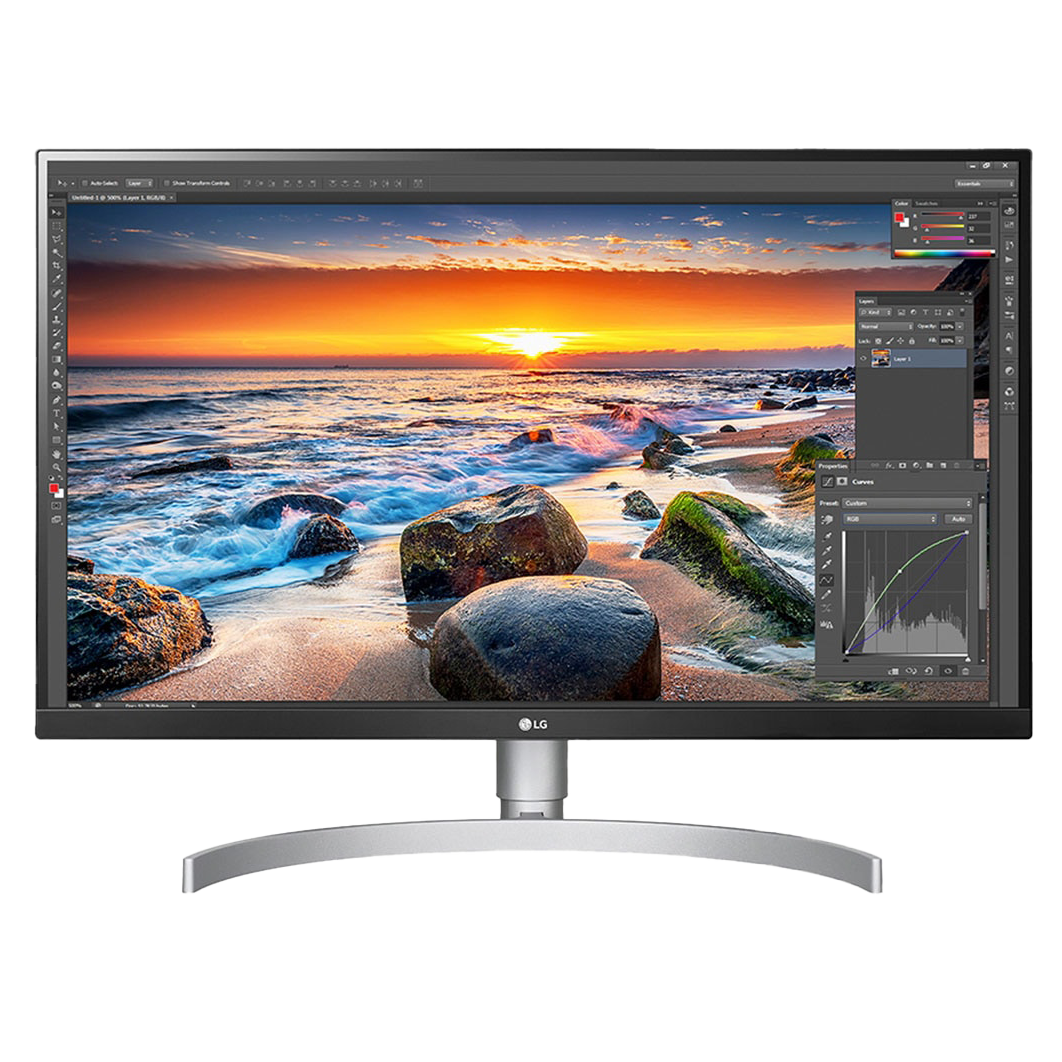
LG 27UL850
Team single monitor here. While everyone's flexing their triple-screen battlestations, I'm living my best minimalist life. One monitor, one USB-C cable for power, display, and data. Simple.
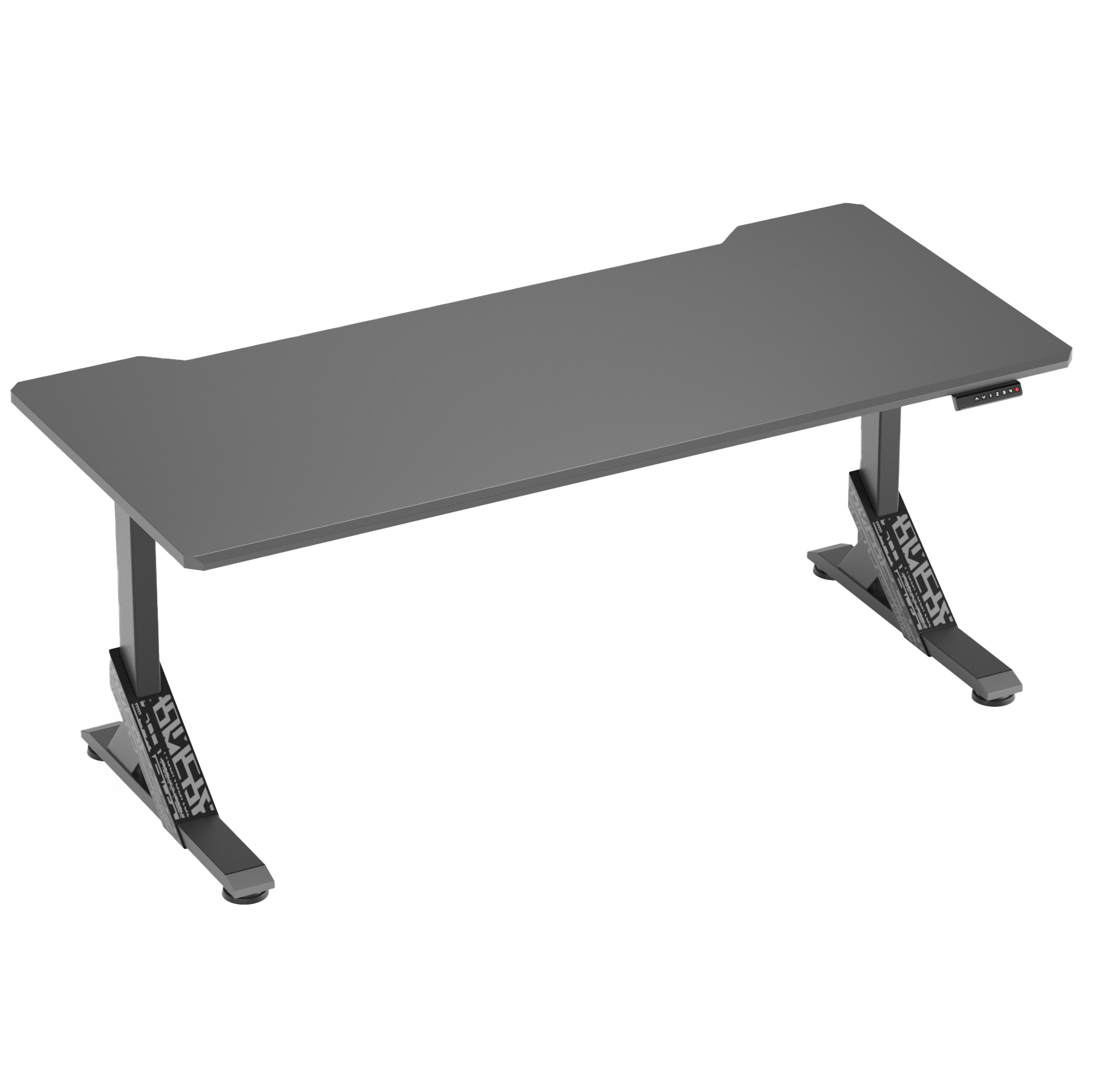
IKEA UPPSPEL
It's a gaming desk, but I don't game on it (much). The height adjustment has saved my back from years of slouching, and I can pretend I'm being healthy by standing for 10 minutes every few hours. The cable management system is a 9k, everything stays hidden like my imposter syndrome.
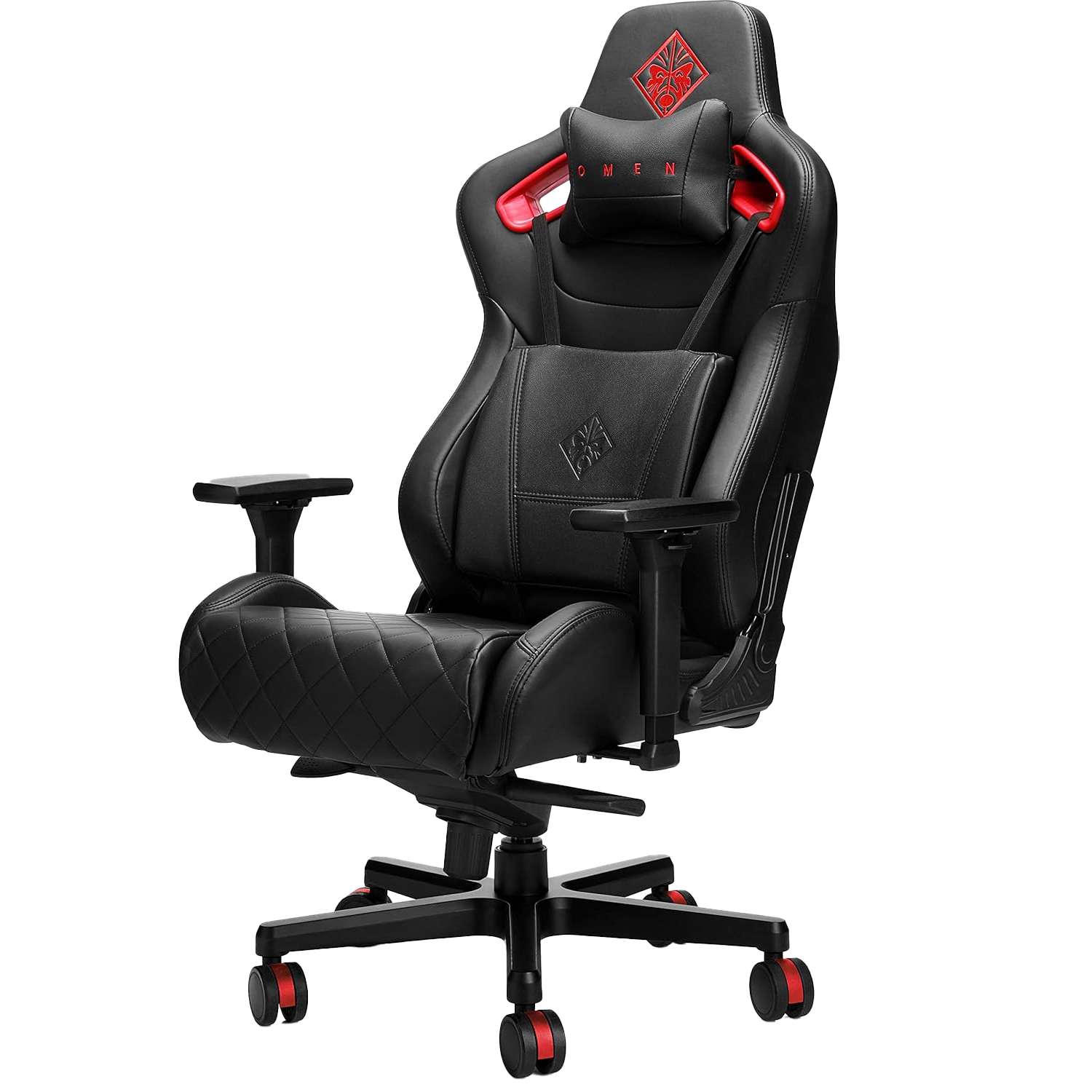
OMEN Citadel
A gaming desk needs a gaming chair, right? Spending 8+ hours daily sitting meant I had to invest in my back's future. It looks so good on camera that everyone asks about it in meetings. Did I buy it for back support or to look COOL!? At this point, I honestly don't know.
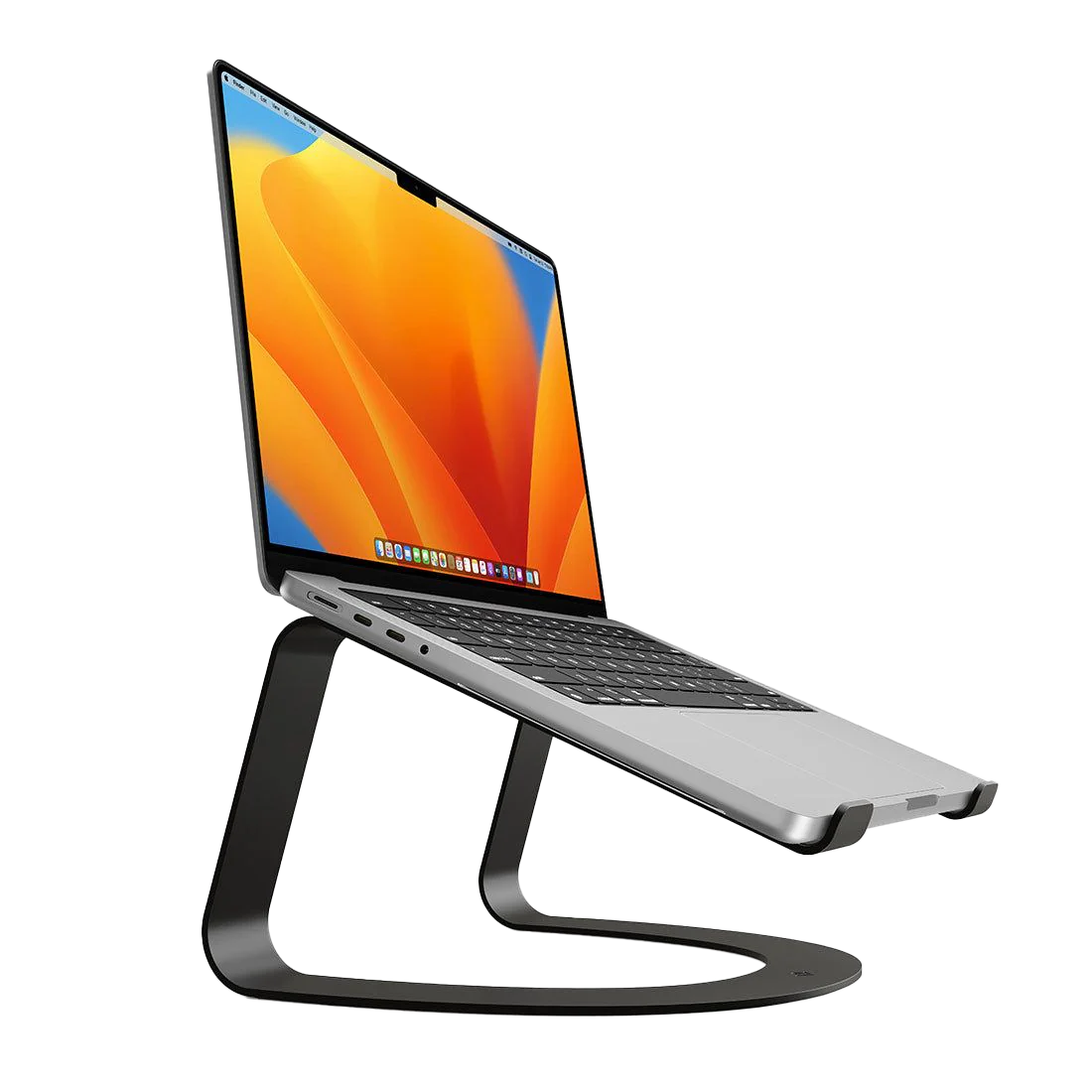
Twelve South Curve
7+ years and still going strong. Why upgrade when perfection exists? The aluminum matches my MacBook so perfectly. It's survived multiple desk setups and two house moves without a scratch.
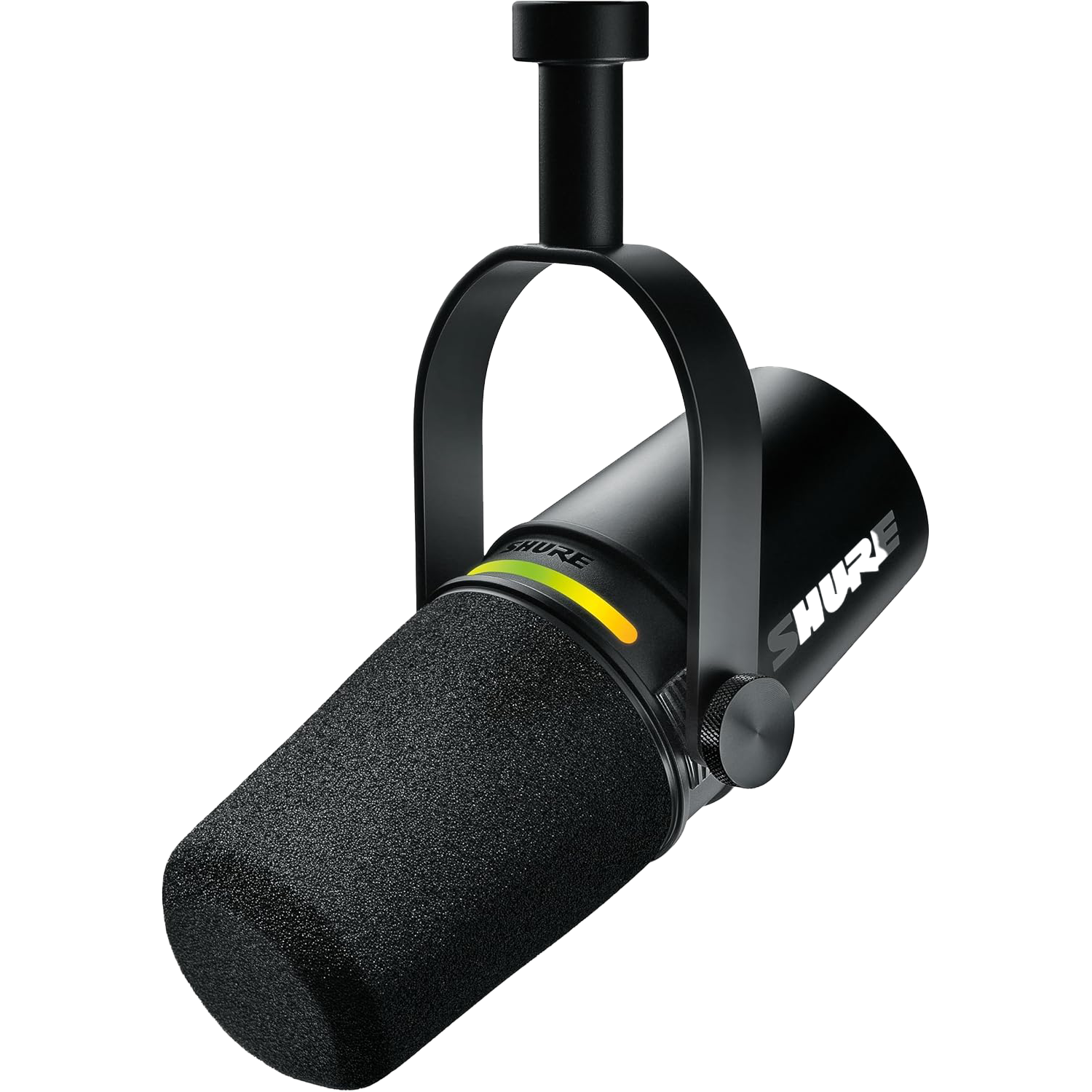
Shure MV7+
This mic has become part of my identity now. People constantly compliment my audio quality in meetings. With USB-C, I use it with my MacBook and iPhone seamlessly, and the customizable LED ring makes me feel like a professional even when I'm just ranting about JavaScript frameworks.
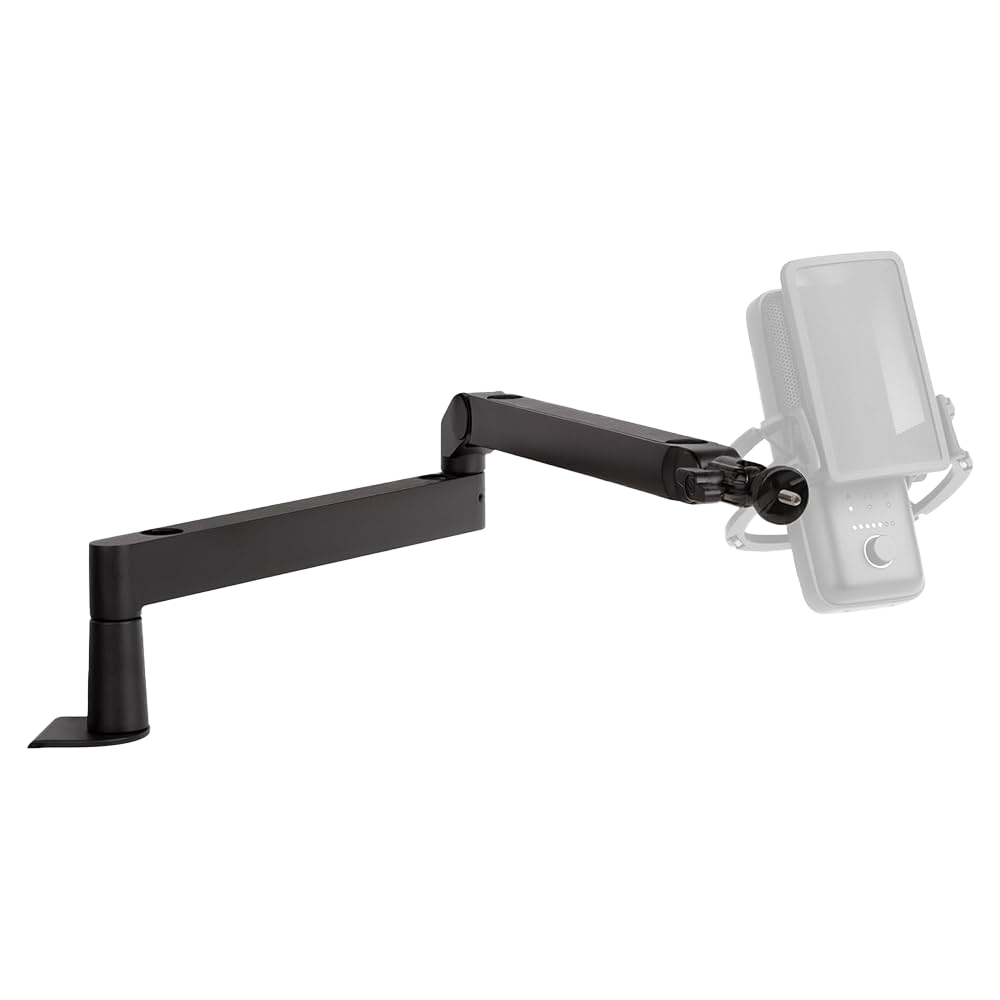
Elgato Wave
The unsung hero of my setup. It swoops my mic out of the way when I don't need it and brings it right back when it's showtime. The cable management is so good; it's another 9k gear in my setup.
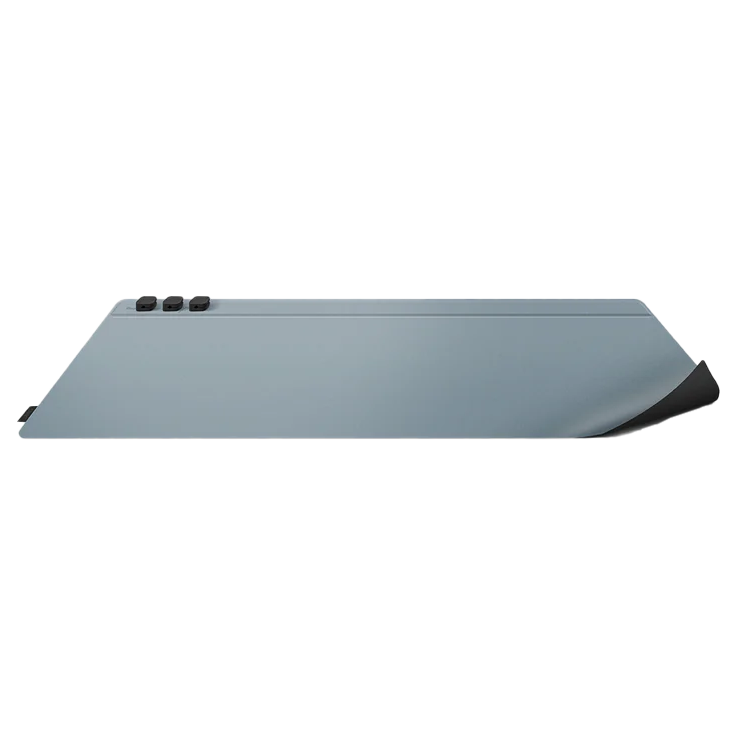
UNIQ Hagen
Yes, it’s pricey for a desk mat, but hear me out. The dual colors let me match my mood (dark mode or light mode vibes), and the magnetic cable holders keep the cables tidy, which helps with my OCD. Sometimes you just have to pay for style.
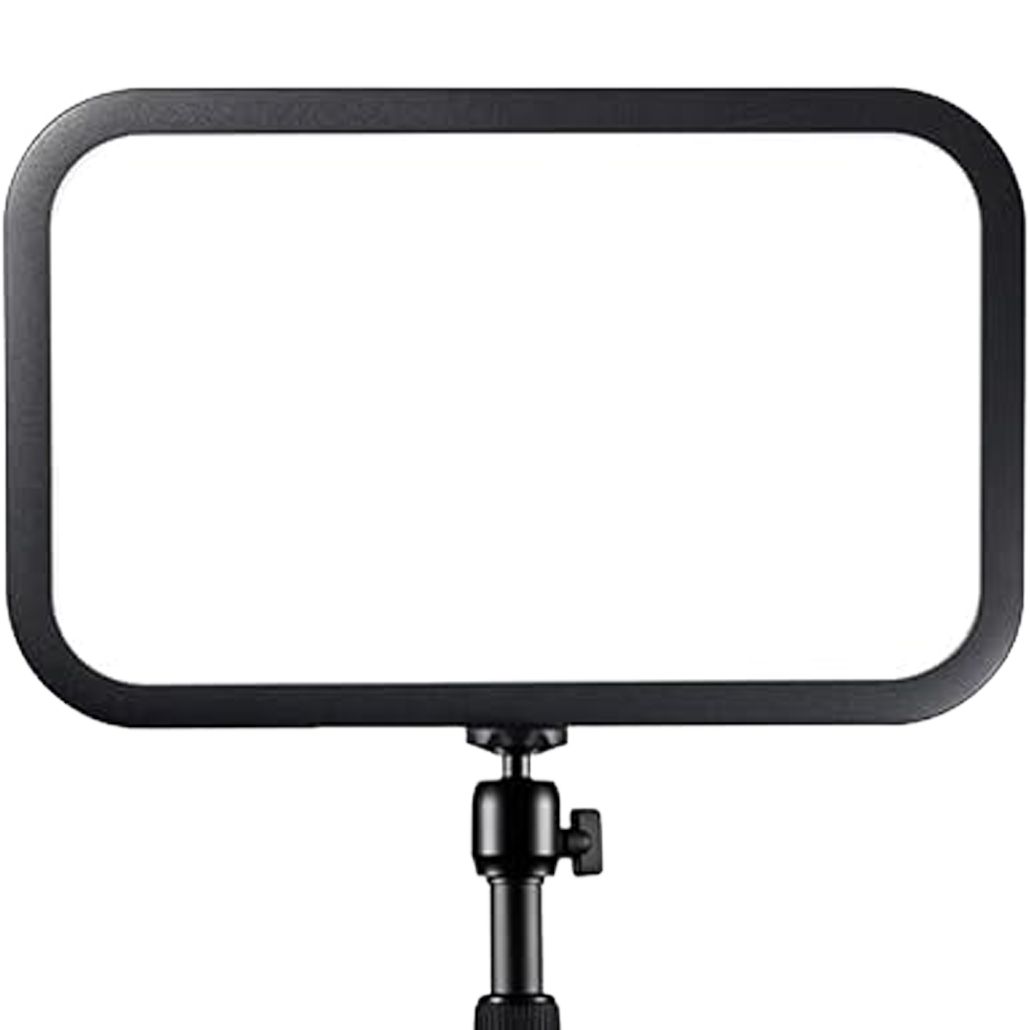
Godox ES45
A compact LED light panel for my content creation setup. It looks good on camera and not too harsh on the eyes.
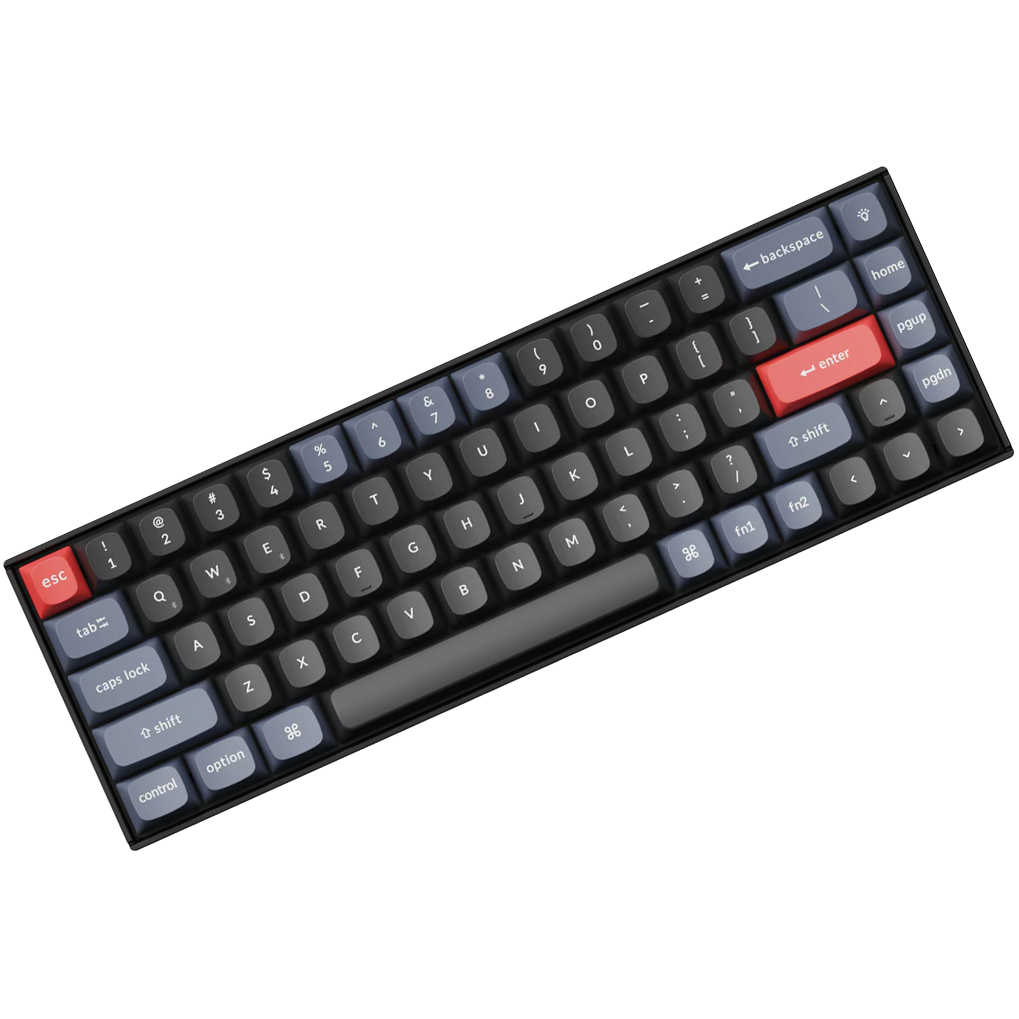
Keychron K6 Pro
My main keyboard with brown switches. It has a phenomenal typing experience and the battery life is amazing.
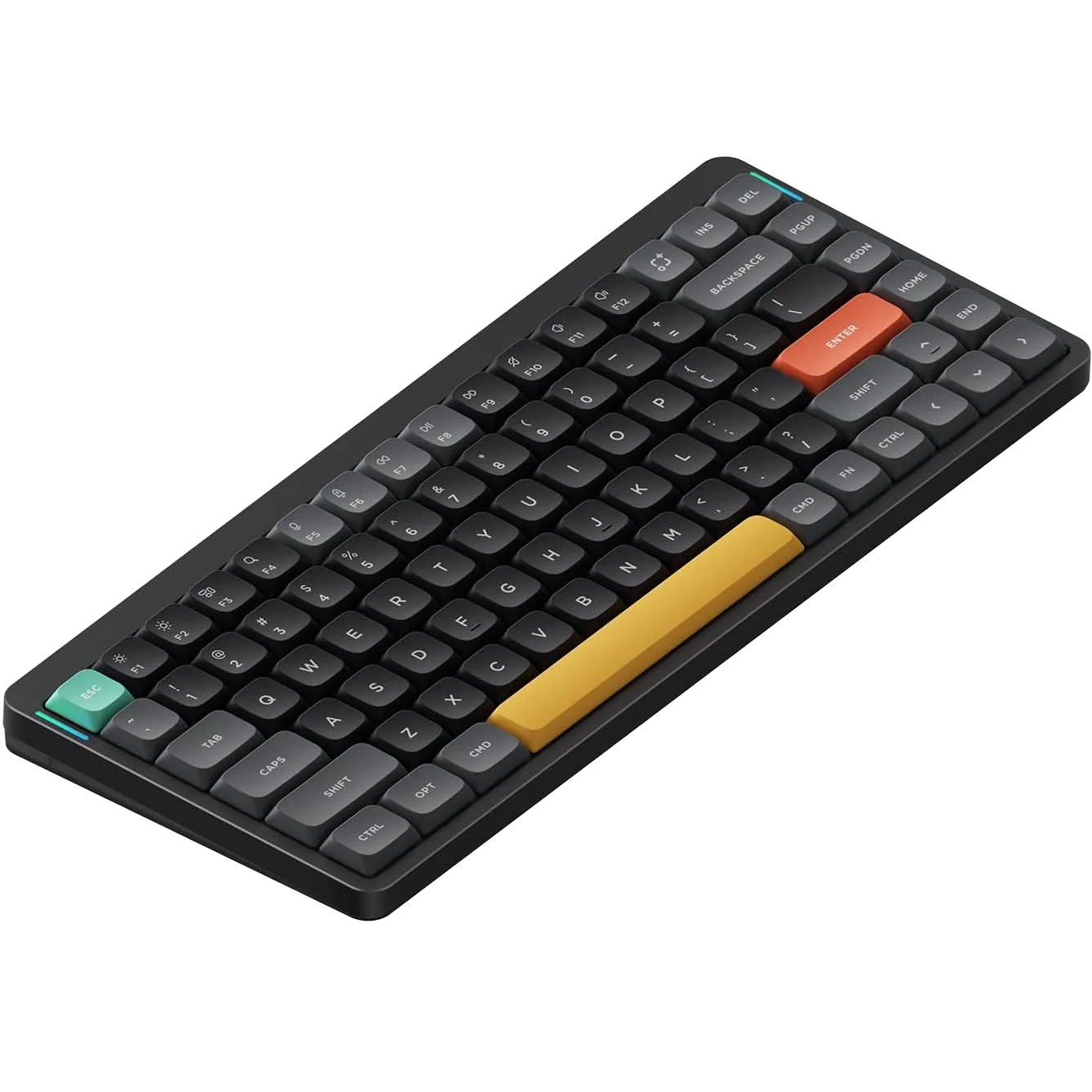
NuPhy Air75 V2
My portable keyboard for when I want something more compact. Having two keyboards might seem excessive, but switching between them keeps things interesting.
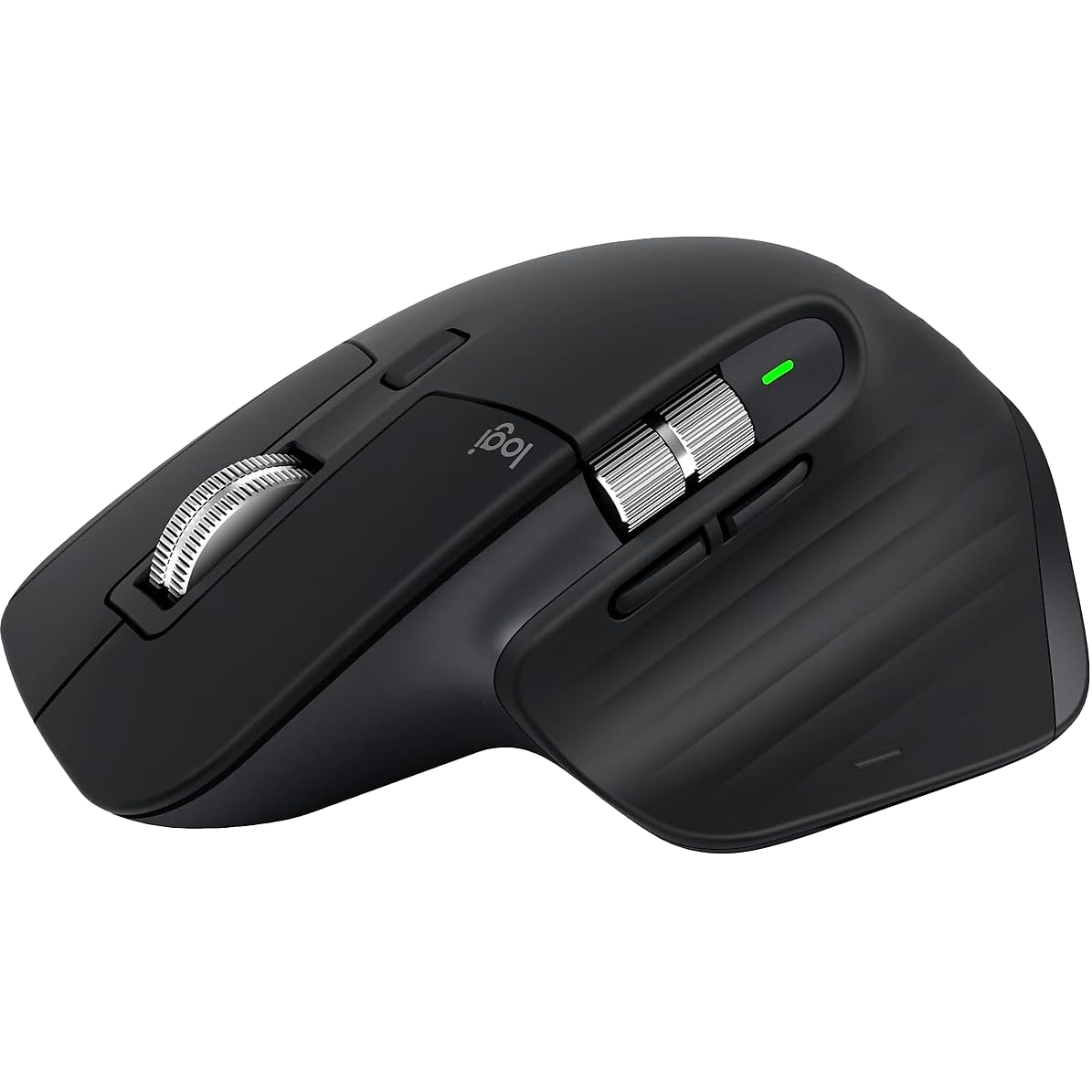
Logitech MX Master 3 for Mac
I love this mouse, and most people do too. I will upgrade to the MX Master 4 soon.
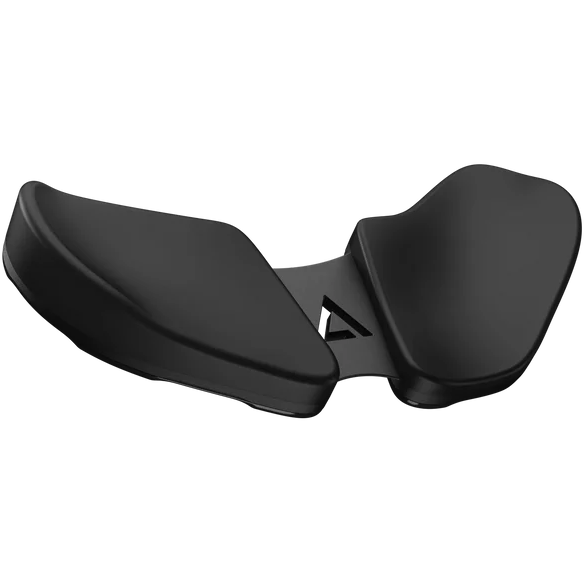
DELTAHUB Carpio 2.0
If you have carpal tunnel, this is a must-have. It's a bit expensive, but it's worth it.
Editor and terminal
VS Code
My main code editor, I use it to manage Copilot, Claude Code, and Codex

Vira Theme
Been loyal to this theme since its Material Theme days. When the pro version dropped, I didn't even hesitate - minimal, clean, and easy on the eyes during those late-night coding sessions. Sometimes you just know when you've found 'the one.'
iTerm2
Terminal app of choice, supercharged with Zsh and Oh My Zsh. Because life's too short for boring command prompts.

Hermes Agent
My main AI assistant, which knows everything about me and helps me really well with everyday tasks. It now has a machine of its own: my old M1 Pro.
ChatGPT
My main AI buddy for brainstorming, writing, and problem-solving. I use it daily for everything that doesn't involve actual coding.

Claude Code
My primary AI coding assistant that integrates seamlessly with my development workflow. It's by far the best AI coding assistant I've tried (so far).
Desktop apps
Setapp
A subscription service that gives me access to tons of useful Mac apps without buying them individually. I've listed some of my favorites below.
Notion
My second brain for project planning, documentation, and keeping track of ideas and tasks.
Obsidian
It's my main place for writing content scripts and blogs; the ability to write in markdown is the best thing about it.
Raycast
Who uses Spotlight nowadays? I used to use Alfred, but Raycast is way more powerful and customizable.
Wispr Flow
My go-to voice dictation app for turning quick thoughts into clean text across my Mac.
FocuSee
My screen recorder for demos and tutorials. It adds the zooms and cursor effects on its own, so I spend less time editing.
Paste
A clipboard manager that keeps everything I copy, so I can find it again later.
CleanMyMac
Keeps my Mac tidy: it clears out junk files and shows me what is eating my storage.
TablePlus
My database client. One clean app for Postgres, MySQL, SQLite, and the rest.
CleanShot X
A screenshot tool that I use to take screenshots and videos of my screen.
Apple Notes is perfect for quick capture. When I have an idea while walking or need to jot something down quickly, it's always there and syncs across all my devices instantly.
For browsing, I use Safari for personal stuff (the battery life is unmatched) and Chrome for development work (DevTools are still the best for debugging).
Mobile and content gear
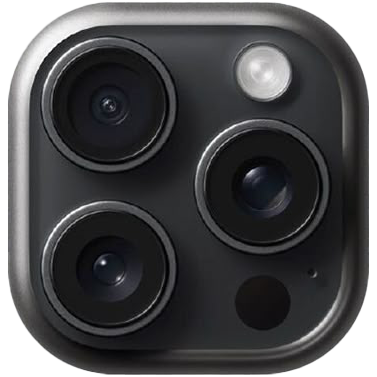
iPhone 15 Pro
I use this poor device for everything: webcam, content creation, and as a phone.
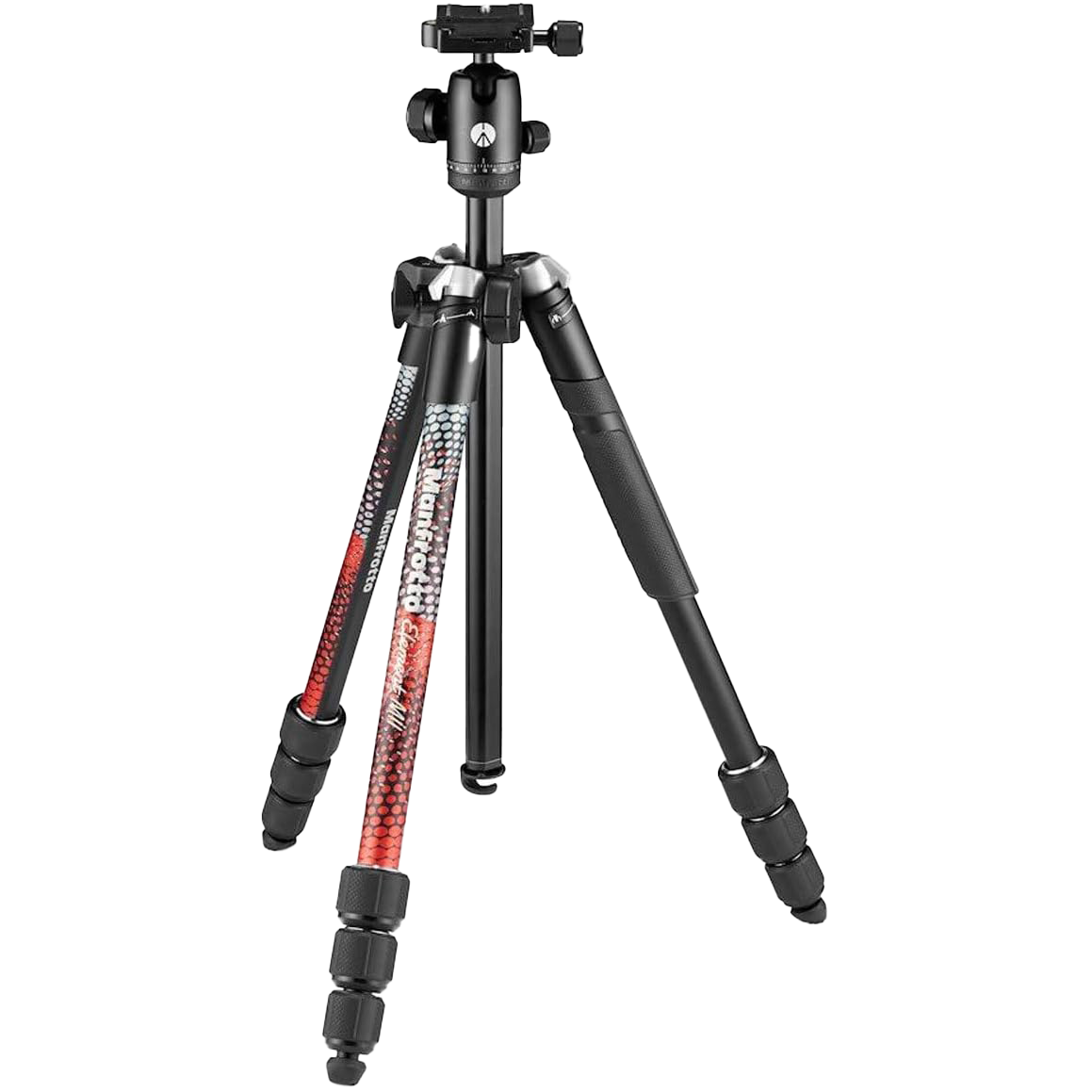
Manfrotto Element MII
My tripod for photography or content creation needs. It's lightweight and has a great build quality.
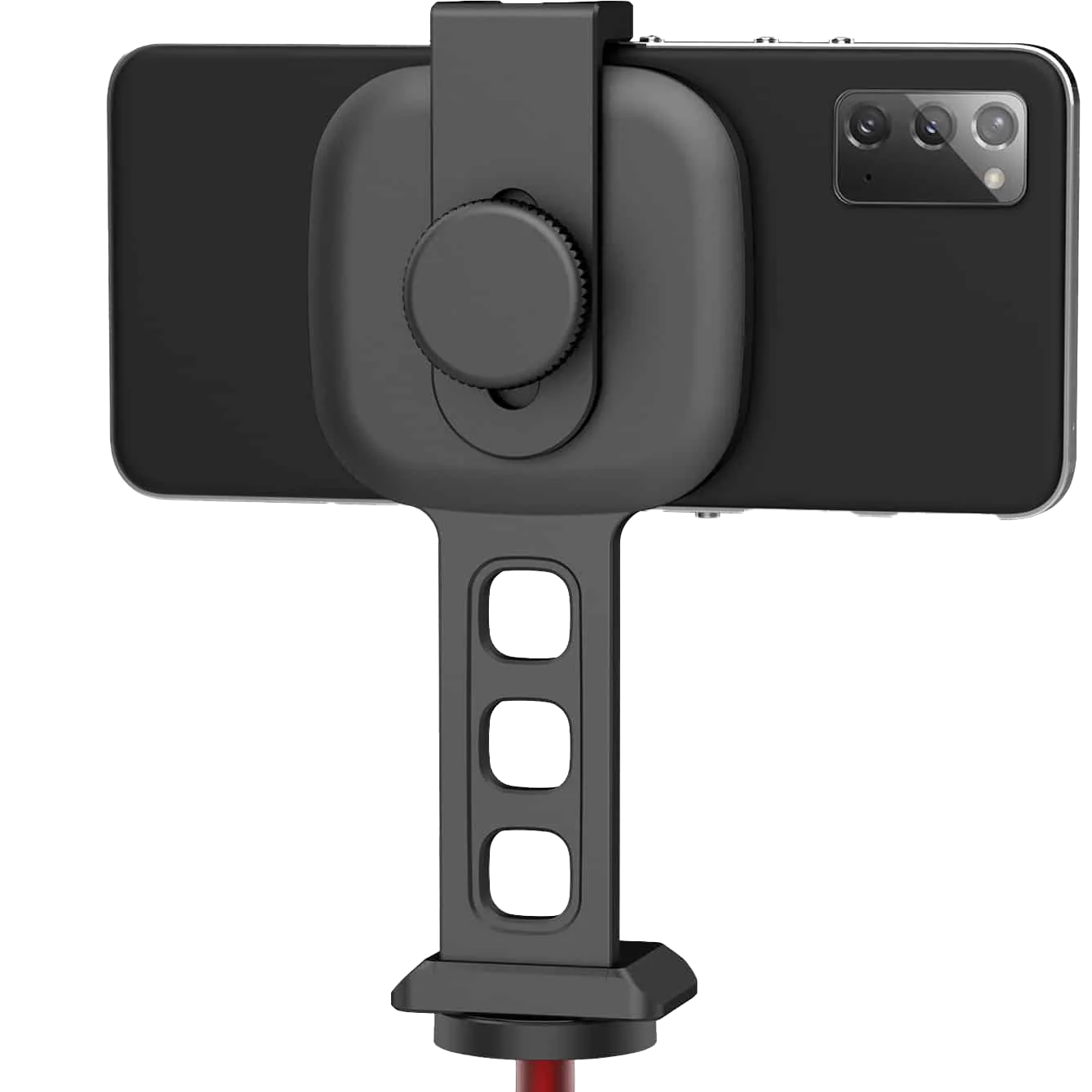
Ulanzi ST-28
A MagSafe compatible phone holder. I use it to mount my phone to my tripod, to use for video calls, and to use for content creation videos.
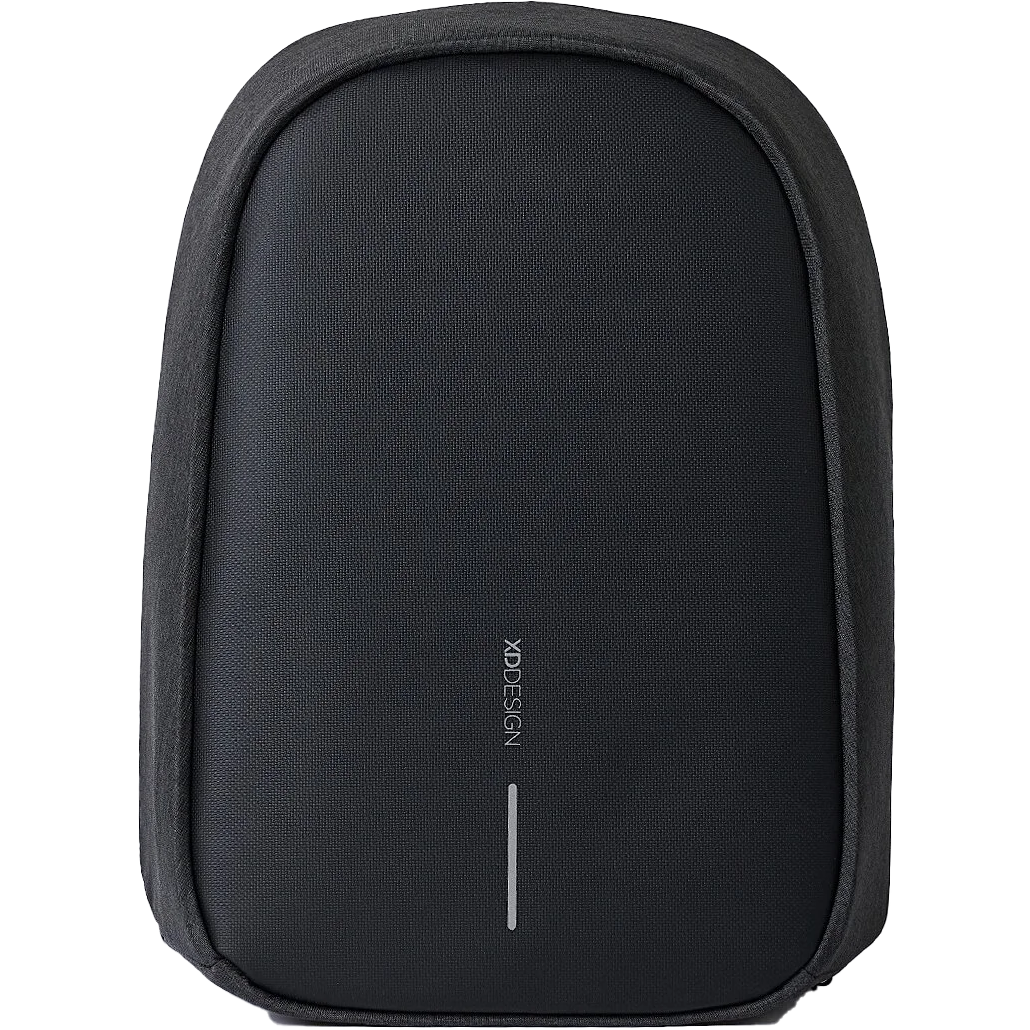
XD Design Bobby Hero
My travel backpack to carry my laptop, keyboard, and other stuff.
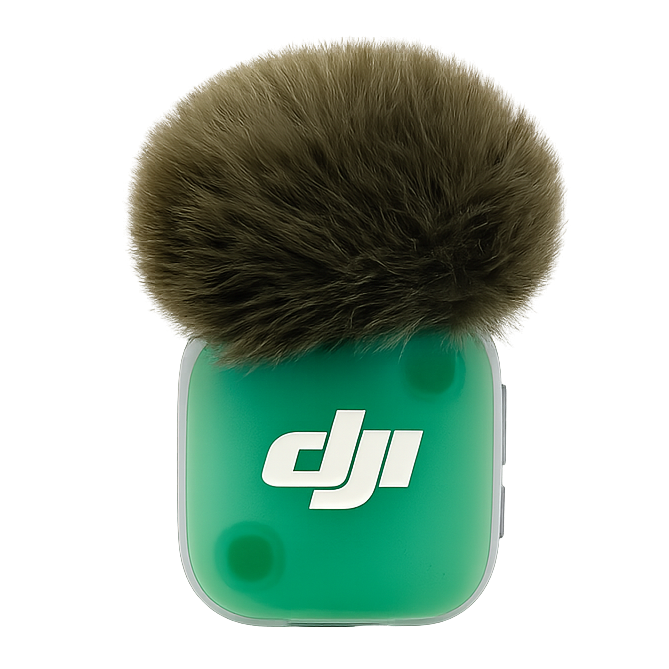
Dji Mic Mini 2
My compact microphone for high-quality audio recording on the go.
Last updated: October 2026